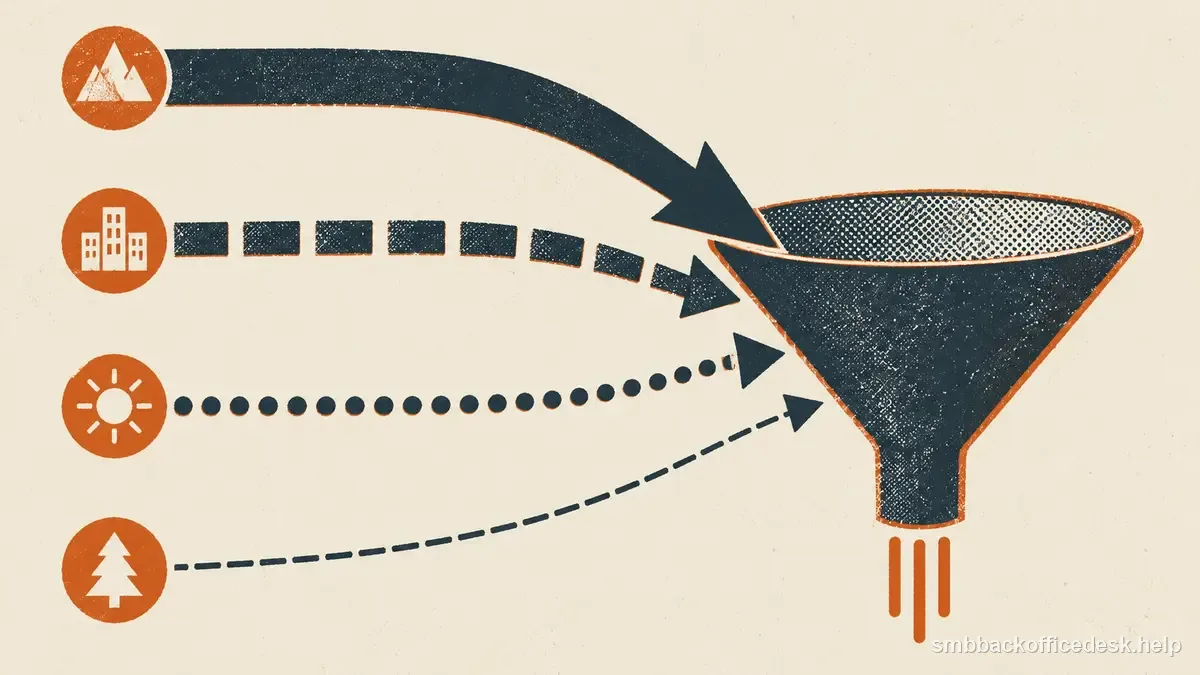
A single lead-source field often mixes two different questions: where the person first came from, and where each important data value came from. Keep acquisition and campaign touch history separate from field-level provenance so that a vendor-provided email, a website-verified company name, and a later referral are not collapsed into one editable label.
Give every acquisition batch an immutable ID
When a list enters the system, assign a batch ID such as `2026-09-webinar-attendees` or `vendorA-2026-09-01`. Store acquisition date, supplier or source method, campaign purpose, and the original file location.
Keep the original import read-only. If later enrichment changes titles or emails, you should still be able to reconstruct what the business originally received.
This makes disputes with vendors possible. Instead of saying “the list was bad,” you can show how many rows in a specific batch failed identity, bounced, or duplicated your CRM.
Track source by important field, not only by record
A contact row can combine: - company identity from the company website; - title from a professional profile; - email from a vendor; - phone from another provider; - employee count from an estimate.
A single `lead_source` field hides those differences. For fields that affect targeting or contactability, store `source`, `verified_at`, and possibly `confidence`.
You do not need metadata on every trivial column. Focus on values that drive inclusion, personalization, routing, or outreach.
| Field | Example source / Keep | |
|---|---|---|
| Company | Company website | Source and retrieval date. |
| Role | Company/professional profile | Source, checked date, confidence. |
| Vendor | Provider, batch, result, date. | |
| Campaign | CRM activation | Keep attribution separate from acquisition. |
Separate acquisition source from campaign source
The record may have been acquired from a trade-association directory and later entered a campaign through a CRM view. Those are different events.
Use `acquisition_source` and `first_touch_source` for the original entry event; set them once and preserve the entry page, form, referral, event, or research source. Record later tracked interactions in a dated campaign or touch history, and keep a separate latest-touch value if the CRM needs one. A contact who was first found through an event and later clicked a campaign email did not acquire a new origin.
Keep self-reported answers such as “a colleague referred me” separate from observed UTM and referrer data. UTMs help identify tagged digital campaigns; they do not capture every phone call, private share, or offline influence. Test the real form path: Salesforce documents that source can remain blank when tracking code or referrer data is missing, and HTTPS/tracker, iframe, or server-side form setups can require extra handling. In Account Engagement, the connector reads `utm_source`; its other campaign values apply to prospects originating from tagged links and may not populate when an existing prospect later clicks one.
Make source quality measurable
At regular intervals, compare by acquisition source: - account-fit rejection rate; - duplicate rate; - invalid-email rate; - stale-title rate; - reply or meeting rate; - unsubscribe or complaint rate; - cost per accepted usable record.
Do not use conversion alone. A small high-fit source can be valuable even if it produces fewer total meetings, while a large source can look productive only because it supplied more rows.
If a vendor promised a particular freshness or replacement policy, track the evidence necessary to enforce that agreement.
Preserve provenance during deduplication and enrichment
When two records merge, the winning field should keep its source and date. If a newer title replaces an older one, store the old value in history or at least log the change.
Never overwrite first-party customer data automatically with a third-party estimate. Use precedence rules: direct customer update may outrank a vendor; a current company page may outrank an old export; a suppression event should outrank a new “marketable” flag.
For enrichment workflows, distinguish “vendor returned no value” from “field not requested.” That difference matters when evaluating supplier coverage.
Build refresh queues from age and business importance
Provenance turns stale data into a manageable queue. Filter contacts whose role source is older than your chosen review period, or high-value accounts whose key field has not been verified since a rebrand.
Prioritize fields most likely to decay: job title, employment status, email, phone, location, and company size. Legal entity or domain history may change less often but still needs event-based review.
Use provenance to protect suppressions
A future import should never erase the fact that a person unsubscribed or hard-bounced. Attach the suppression event to the canonical contact and apply it after merging any new source.
If a recipient later explicitly opts back in under a process that permits reactivation, log that as a new event rather than deleting history.
A well-tracked lead record can be audited without the original researcher present. You can see how the account entered the system, which source supports each important field, when it was last checked, and whether later campaign outcomes confirmed or contradicted the original data.
Preserve provenance when a vendor or webpage disappears A source URL is not permanent evidence. Vendor portals close, company team pages change, and public directories overwrite old records. For fields that materially affect targeting, keep the source name, retrieval date, and enough context to understand what was observed. If your policies permit it, retain the original import or a dated research note rather than relying on a live URL forever.
When a vendor relationship ends, do not erase its source label from surviving CRM records. The historical source still matters when you evaluate old bounce rates, answer why a record entered the database, or decide which fields need re-verification.