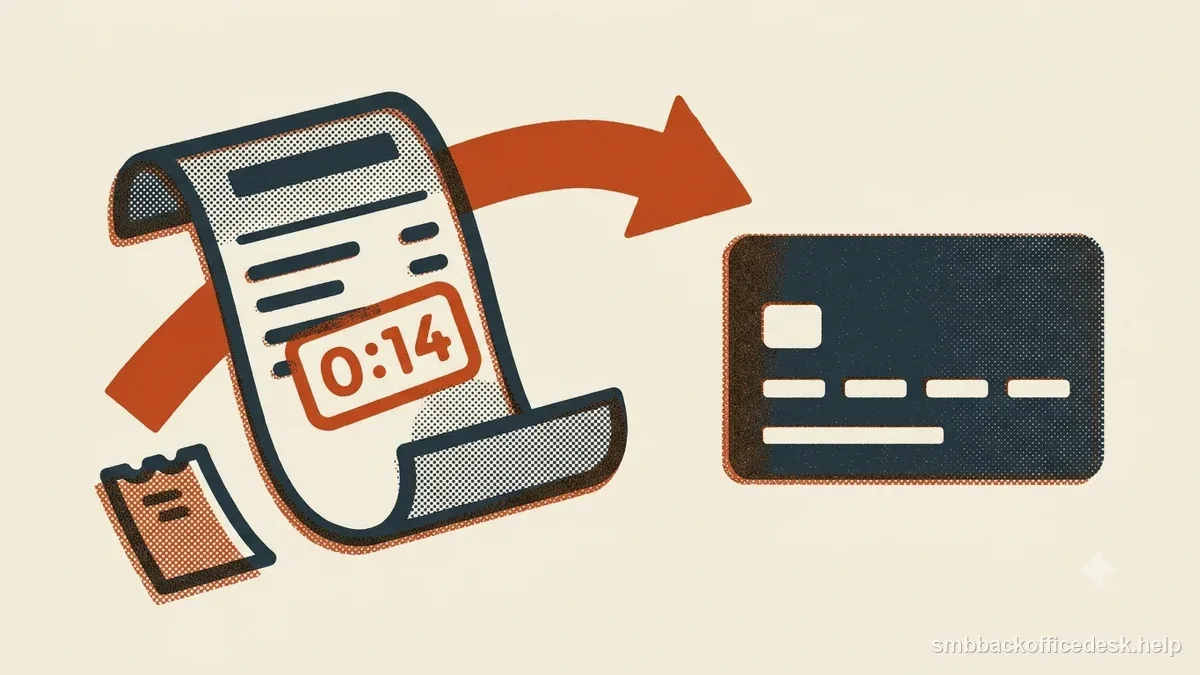
A credit-not-processed dispute says the customer expected a refund or credit that did not arrive. Start with the refund obligation and trace the exact amount through the order, processor, settlement, and dispute records. The original purchase alone does not prove that a promised refund was completed.
Reconstruct what refund was due
Identify the original charge and order, the customer’s request date, return or cancellation events, the policy version shown at purchase, the eligible amount, and any refund timing that was promised. For a physical return, connect the return authorization to carrier delivery or the warehouse receipt. For a service cancellation, connect the request to the effective cancellation date.
If the customer completed the stated requirements, determine what the business actually did next. If the customer did not qualify under the policy, provide the applicable terms and a specific explanation of the facts. A policy alone is weak if it was not shown or does not match what the customer was told; keep any legal or processor-specific questions tied to the applicable rules.
Prove the credit with a processor record
Connect the refund or credit to the original payment using the processor refund ID and payment ID. Include the amount, currency, initiation date, processor status, and destination reference when available. Add the return/cancellation record and the customer communication that explains the refund or denial.
“Refund approved” in a ticket or order screen shows an internal decision, not that money moved. If the processor request failed, do not describe it as completed: preserve the failure status and correct it through the supported workflow. Stripe’s sample evidence packet similarly starts with the original transaction and pairs refund details with the processor log and merchant account statement.
| Internal system | Processor record | |
|---|---|---|
| Refund marked approved | Shows staff decision | May not show money moved |
| Refund initiated | Shows request was sent | Status/ID links credit to original charge |
| Refund failed | Requires correction | Do not represent as completed |
Explain partial credits line by line
If only some items were returned or only part of a service period was refundable, show the line-item values, amount received back, and the exact calculation of the remaining balance. Connect any disclosed fee or exclusion to the policy version the customer saw. Avoid a bare statement such as “partial refund per policy.”
If you issued store credit instead of returning money to the payment method, show the customer’s agreement and the actual credit record. Store credit does not automatically prove that a promised card refund was delivered.
Read refund timing and case status together
Record when the refund was initiated and whether the processor later marked it succeeded, failed, or pending. A customer may look for a credit by statement-posting date while the merchant sees the initiation date; show both when available and do not promise a posting date outside your control.
A void and a refund are different events. A void cancels an authorization or payment before final settlement according to the processor’s flow; a refund is a separate credit against a processed payment. Use the processor’s transaction type and identifier instead of calling every reversal a refund.
If an inquiry or chargeback is already open, check the exact platform and case status before issuing anything. Some platforms restrict refunds after a formal chargeback, while inquiry workflows may permit a refund; the available action depends on the provider and stage. Follow that workflow and account for funds already debited so the customer is not credited twice.
When the records show no refund was due
Submit the terms that applied to the transaction, where and when the customer saw them, and the specific reason the request did not qualify. That might be a request outside a stated return window, an item not received back, or a service already completed before cancellation. Tie each fact to dated evidence; do not rely on a generic policy excerpt or invent a deadline.
If the customer did qualify, or you promised a refund and never submitted it, correct the issue instead of arguing from an internal status. Keep the response consistent with the return record, refund ledger, and customer messages.
Prevent approved refunds from getting stuck
Use a refund queue with distinct states such as requested, approved, submitted, succeeded, failed, and customer notified. Alert on approved refunds that were not submitted within the business’s own service target, and reconcile processor failures routinely. Link the queue entry to the original payment ID so staff can see an open dispute, prior credit, or duplicate request before acting.
Send a confirmation when the processor accepts the refund and explain what the status means. Track time from request to submission and failed refunds by reason; repeated delays often reveal a handoff or integration problem. Shopify’s guidance also points merchants to refund transaction records, processor or bank statements, accepted refund terms, communications, and return tracking.
Reconcile the order, processor, settlement, and dispute
Before responding, compare four records: what the order system promised, what the processor accepted, what reached settlement, and what happened in the dispute. For a successful credit, match the refund ID and amount to the original payment, then show the processor statement or payout entry when available. If the refund was initiated before the dispute but settled later, lay out both dates so an earlier account snapshot is not mistaken for the final result.
If the processor says failed or no refund exists, an internal “approved” label is not a defense. If the card credit and chargeback crossed in time, identify which funds were returned or debited and follow the case workflow before making another payment. Organize the response as a short finding, the original payment, the return or cancellation record, the refund/credit state, and the relevant settlement or case event. The issuer decides the dispute; this sequence makes the ledger and timing easy to verify.
- OrderIdentify return, cancellation, and promised amount.
- ProcessorMatch refund ID to original charge and status.
- SettlementCheck whether credit succeeded and when.
- CaseExplain overlap with any open chargeback; avoid duplicate credit.