Gmail and Yahoo sender rules are often summarized as one checklist, but their thresholds and coverage are not identical. Google has separate requirements for all senders and bulk senders to personal Gmail; Yahoo describes its own expectations and does not publish the same 5,000-message cutoff. Start by identifying who receives your mail and which sending domain it uses, then apply each provider’s current rules.
What actually defines a "bulk sender"
Google classifies a sender as bulk when it sends close to 5,000 or more messages to personal Gmail accounts in a 24-hour period. Google counts mail from the same primary domain, including its subdomains, and says a domain remains classified as a bulk sender once it crosses the threshold. This is a Gmail rule, not a universal Yahoo cutoff: Yahoo describes bulk sending by significant or mass volume but does not publish the same 5,000-message trigger. Count all systems that send as your domain before estimating exposure.
A quick threshold calculation
Suppose a company sends 2,500 messages to personal Gmail accounts from `example.com` and another 2,600 from `news.example.com` in one day. Google counts those subdomains under the same primary domain, so the total is 5,100 and the domain meets Google’s bulk-sender definition. A sender that crosses the threshold once remains classified as a bulk sender. This is not a universal count across unrelated domains, and the Gmail rule is specifically about personal Gmail recipients.
Outlook.com has a separate high-volume definition: more than 5,000 messages per day to Microsoft consumer services using the same `5322.From` domain. Microsoft requires SPF and DKIM to pass, a DMARC record to exist, and at least one aligned authentication method to pass DMARC. Keep this Outlook.com rule separate from Google Workspace recipient guidance and from Yahoo’s no-published-number definition.
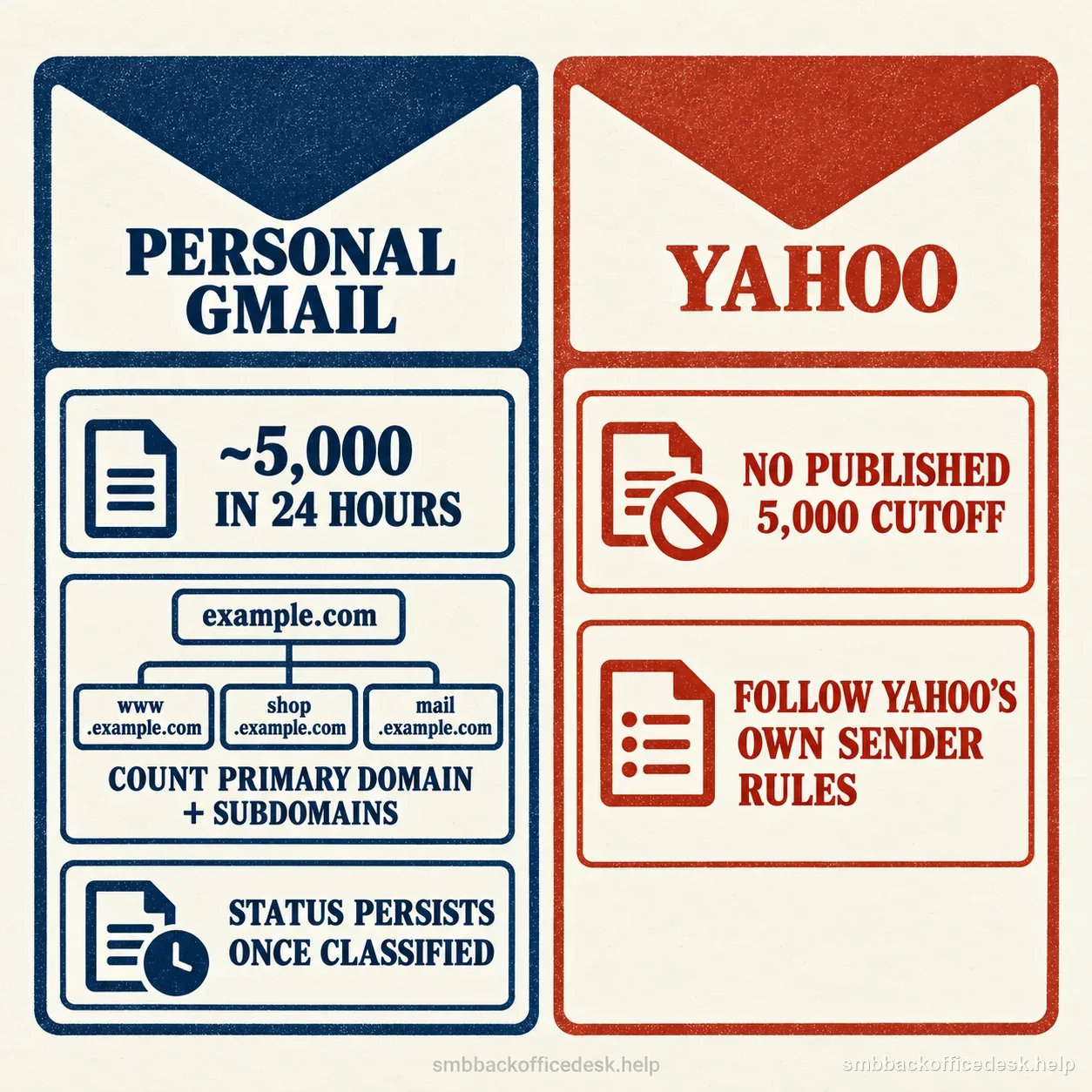
Gmail counts personal Gmail recipients across the primary domain and subdomains; Yahoo publishes separate rules and no matching numeric cutoff.
What applies regardless of volume
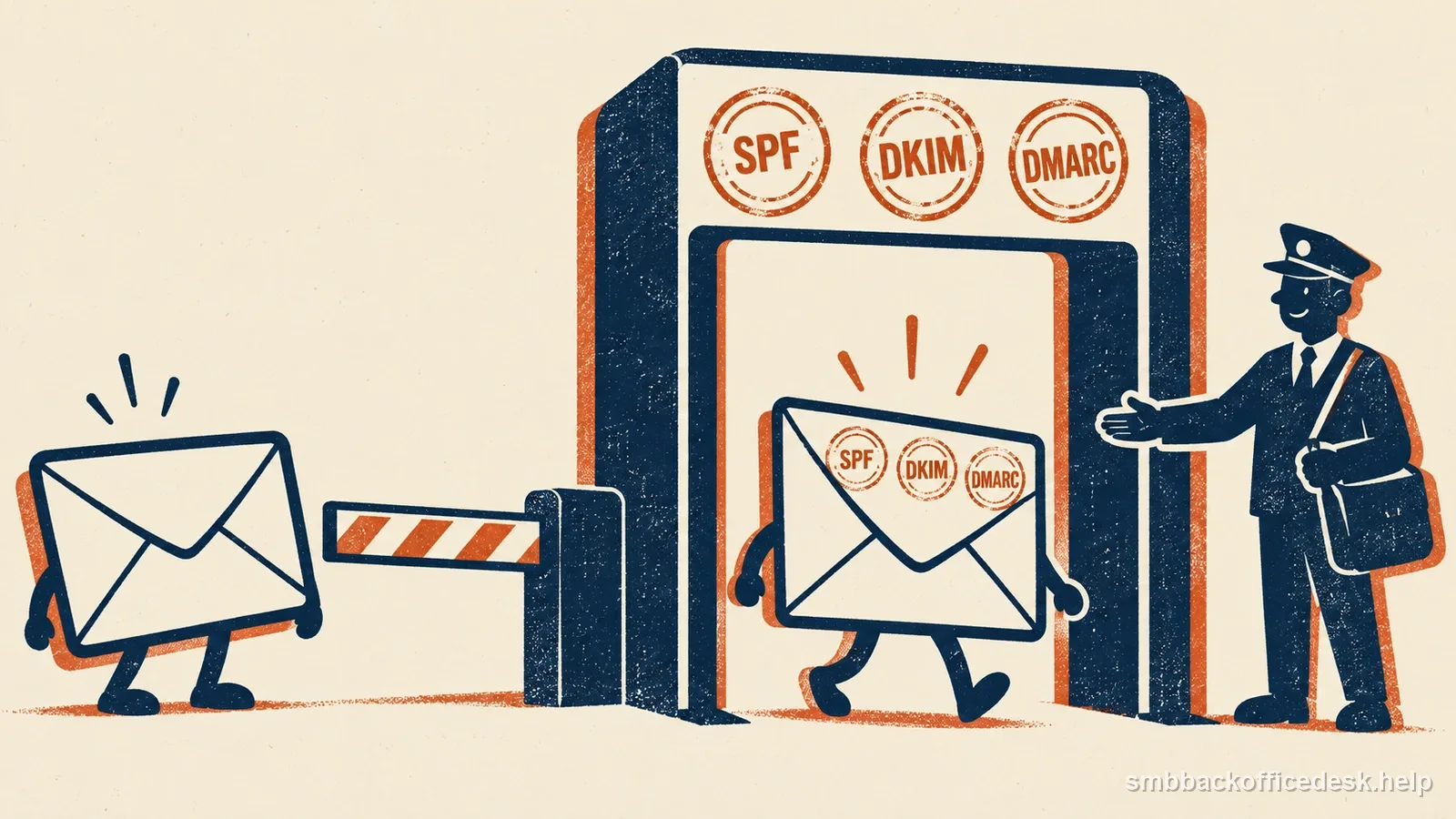
For mail to personal Gmail accounts, all senders must use SPF or DKIM, have valid forward and reverse DNS for sending domains or IPs, use TLS, format messages to RFC 5322, and keep reported spam rates below 0.3%. Yahoo also lists SPF or DKIM, valid forward and reverse DNS, and RFC-compliant mail for all senders, with low complaint rates. Google recommends that every domain configure SPF, DKIM, and DMARC, but its formal DMARC requirement applies to bulk senders; a `p=none` policy can meet that requirement. Using both SPF and DKIM plus a monitored DMARC record is a sound domain-protection practice, but do not confuse that recommendation with Gmail’s bulk-only minimum.
| Topic | Gmail (personal accounts) | Yahoo |
|---|---|---|
| What counts as a bulk sender | Close to 5,000 or more messages to personal Gmail accounts in 24 hours, counted across the primary domain and its subdomains, and it stays classified once crossed | Describes bulk sending by significant or mass volume but does not publish the same 5,000-message trigger |
| Required for all senders | SPF or DKIM, valid forward and reverse DNS, TLS, RFC 5322 formatting, and reported spam rates kept below 0.3% | SPF or DKIM, valid forward and reverse DNS, RFC-compliant mail, and low complaint rates |
| DMARC | Formally required for bulk senders; a p=none policy can meet it | Check Yahoo's own guidance for its recipients |
| Spam-rate guidance | Aim below 0.1% and avoid reaching 0.3%; eligibility for delivery mitigation needs seven consecutive days below 0.3% | Asks bulk senders to stay below 0.3% |
| Unsubscribe | One-click unsubscribe headers plus a visible body link for bulk senders' marketing and subscribed mail; honor requests within 48 hours; receipts and password resets are excluded | Functioning list-unsubscribe header for marketing/subscribed mail (RFC 8058 POST recommended; mailto accepted), visible body link, honor within two days |
Google has an explicit volume trigger for personal Gmail; Yahoo publishes a separate bulk-sender policy.
The 0.3% spam-rate threshold
Treat 0.3% as a ceiling to avoid, not a safe operating target. Google recommends keeping reported spam rates below 0.1% and preventing them from reaching 0.3% or higher; Google calculates the rate daily and says bulk senders become eligible for delivery mitigation only after staying below 0.3% for seven consecutive days. That is eligibility to request mitigation, not a promise that inbox placement immediately recovers. Yahoo separately asks bulk senders to stay below 0.3%. Use each provider’s own complaint data where available instead of estimating from total messages sent.
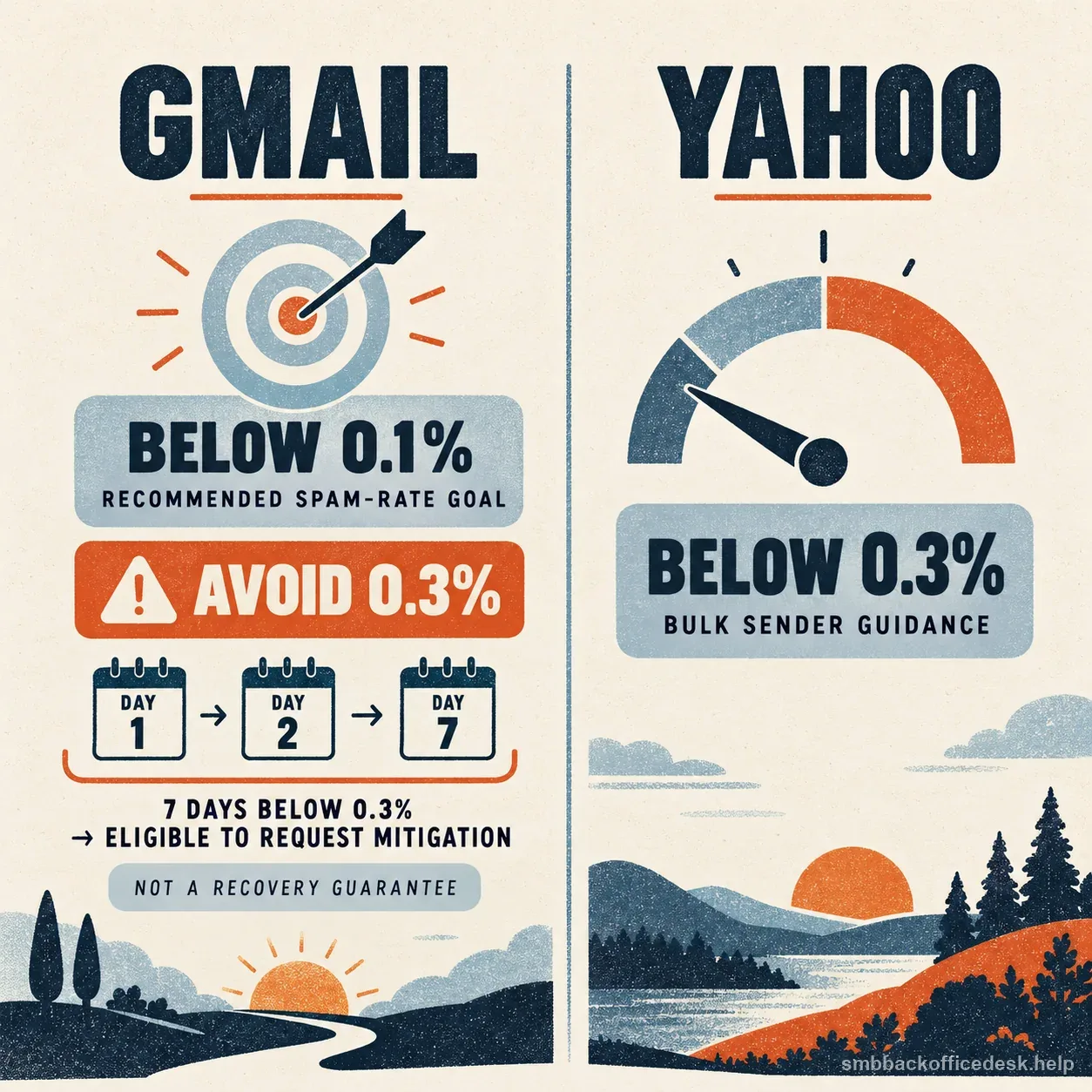
Google recommends remaining below 0.1% and says bulk senders may request mitigation after staying below 0.3% for seven consecutive days; this does not guarantee recovery. Yahoo separately asks bulk senders to stay below 0.3%.
One-click unsubscribe: the part genuinely limited to bulk senders and marketing mail
Google requires one-click unsubscribe headers plus a visible body link for bulk senders’ marketing and subscribed messages, and its FAQ says requests must be honored within 48 hours. Transactional messages such as receipts and password resets are excluded from that one-click requirement, though complaints about any message type can still harm delivery. Yahoo requires a functioning List-Unsubscribe header for bulk marketing/subscribed mail, a visible body link, and honoring requests within two days; its Sender Hub recommends the RFC 8058 POST method while accepting mailto for this requirement. Below Gmail’s bulk threshold, the one-click header rule does not apply under this guideline, but Google still says to provide an easy way to unsubscribe from subscriptions. Do not treat a mailbox-provider requirement as a complete statement of legal obligations for a particular campaign.
- Gmail: below 0.1%Google’s recommended spam-rate goal for senders.
- Gmail: avoid 0.3% or higherHigher rates hurt delivery; bulk senders are ineligible for mitigation while over 0.3%.
- Below 0.3% for seven consecutive daysGmail bulk senders become eligible to request mitigation; this is not a recovery guarantee.
- Yahoo bulk mailKeep the complaint rate below 0.3% and honor unsubscribe requests within two days.
Google recommends a lower operating target than its 0.3% high-impact line.
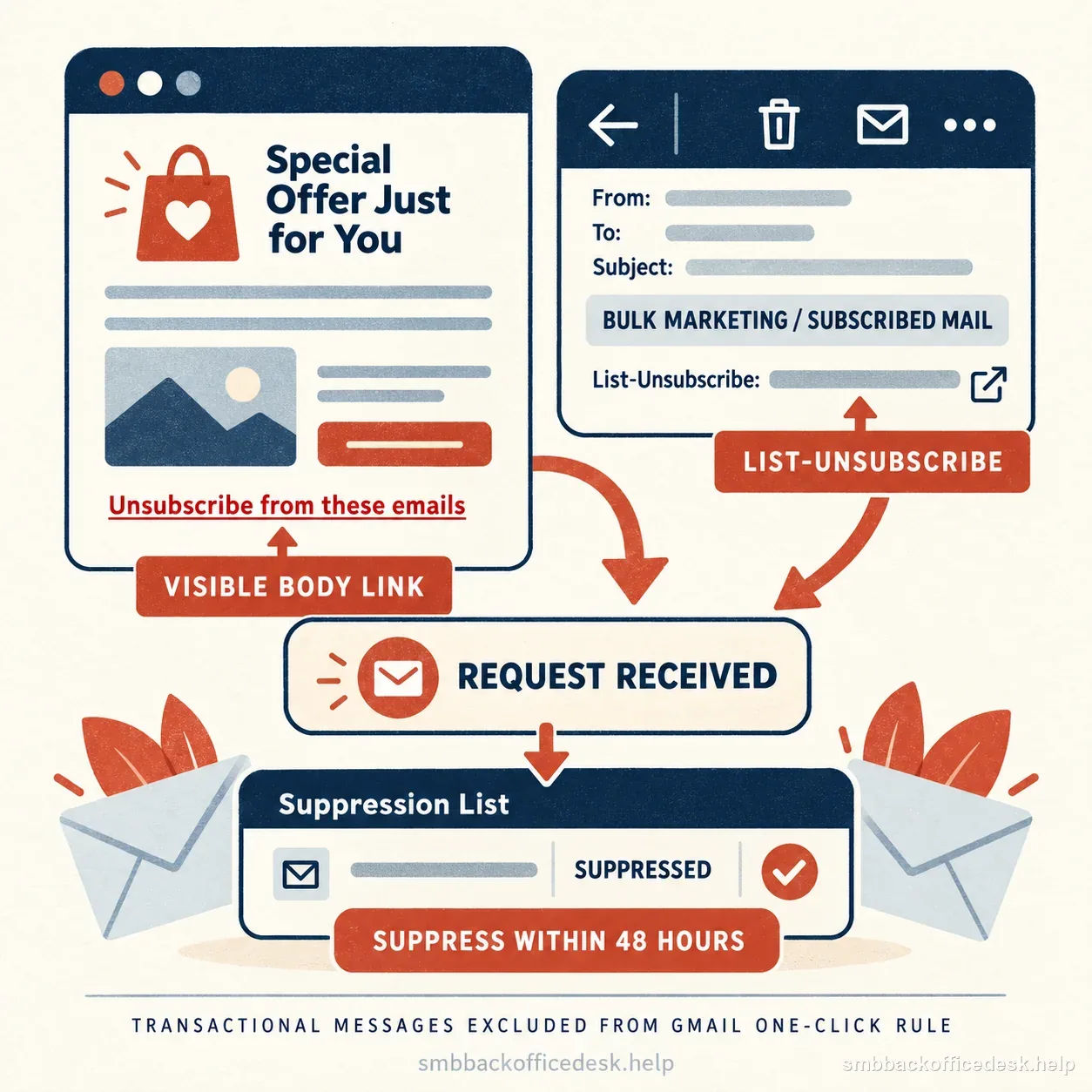
Gmail and Yahoo call for requests on bulk marketing or subscribed mail to be handled within 48 hours or two days; keep transactional-message scope separate.
What this means for a small business sending outreach or a newsletter
First list every platform that sends mail for your domain, then identify which messages go to personal Gmail and Yahoo recipients. If the total to personal Gmail approaches the threshold across your primary domain and its subdomains, prepare the bulk-specific setup before volume grows: SPF and DKIM must pass, DMARC must be published, and direct mail must align the visible From domain with SPF or DKIM. Apply Yahoo’s own guidance to Yahoo recipients rather than assuming its volume classification is identical. Keep transactional and promotional streams labeled so the correct unsubscribe rules are applied.

DMARC alignment connects the visible From domain to a passing SPF or DKIM identity; the exact provider requirements and bulk-only scope are listed above.
Checking your current authentication status
Send a test message to a Gmail address you control, open it, and use "Show original" to see the actual SPF, DKIM, and DMARC results Gmail recorded for that message — not a third-party DNS checker's opinion of whether records exist, but what Gmail itself saw on a real delivered message. A DNS checker confirming a DMARC record exists does not confirm your actual sending path is producing aligned SPF and DKIM results on real mail; the two checks answer different questions, and only the second one reflects what's actually happening to your deliverability.
What enforcement actually looks like when it hits
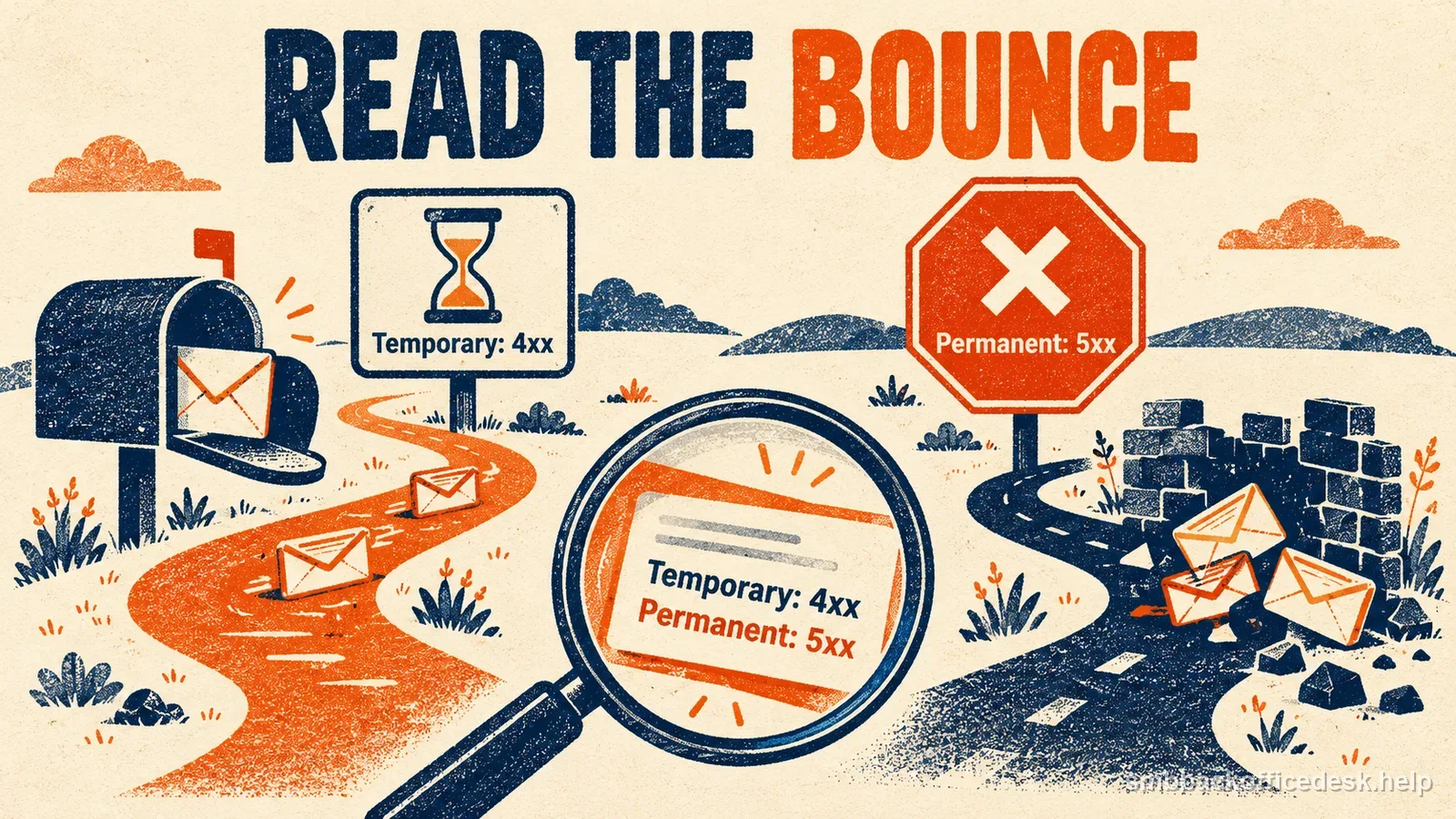
Google began ramping up enforcement on non-compliant bulk traffic in November 2025. Its current guidance describes temporary or permanent rejections and says affected senders receive SMTP error codes that identify the requirement involved. Read the actual bounce and check the Postmaster Tools compliance dashboard before changing DNS; an authentication error, spam complaint, and unrelated block are different problems. Yahoo enforces its own sender guidance separately, so do not assume a Gmail notice explains a Yahoo delivery failure.
| What you are seeing | Where to look first | What it does not tell you |
|---|---|---|
| A rejected or deferred message | The SMTP error code in the bounce, which identifies the requirement involved, and the Postmaster Tools compliance dashboard | An authentication error, a spam complaint, and an unrelated block are different problems, so read the error before changing DNS |
| A DNS checker says your DMARC record exists | "Show original" on a real test message sent to a Gmail address you control | A record that exists does not prove your actual sending path produces aligned SPF and DKIM results |
| An empty Postmaster Tools chart | The spam-rate, authentication, and delivery data from days when you ran campaigns | The Compliance dashboard may omit data on low-volume days, so an empty chart is not proof that every message passed |
| Delivery trouble on a shared IP | Whether the IP is on a blocklist, and its reputation in Postmaster Tools | Other senders on that IP can affect it, but a dedicated IP is not automatically better |
| A Gmail notice while the failure is at Yahoo | Yahoo's own sender guidance | Yahoo enforces separately, so a Gmail notice does not explain a Yahoo delivery failure |
Use Gmail's Show original on a test message you control to see the SPF, DKIM, and DMARC results Gmail recorded. A DNS checker only confirms records exist, not how the real sending path aligned.
Reputation is tracked at both the domain and IP level
If a provider sends your mail from a shared IP, the activity of other senders on that IP can affect the IP’s reputation and your delivery. Google specifically recommends checking that a shared IP is not on an internet blocklist and using Postmaster Tools to view its reputation. Ask your provider whether your traffic uses shared IPs and what monitoring or remediation it offers; a dedicated IP is not automatically better unless your own sending volume and practices support it.
A practical monthly check for a small sender
Verify the domain in Google Postmaster Tools and review its spam-rate, authentication, and delivery information when you run campaigns or investigate a delivery change. Google makes the Compliance dashboard available to senders, but it may omit data on low-volume days to protect recipient privacy. An empty chart is not proof that every message passed. For a real message, inspect Gmail’s Show original results; for a rejection, preserve the SMTP error and compare it with the relevant provider’s current requirements.
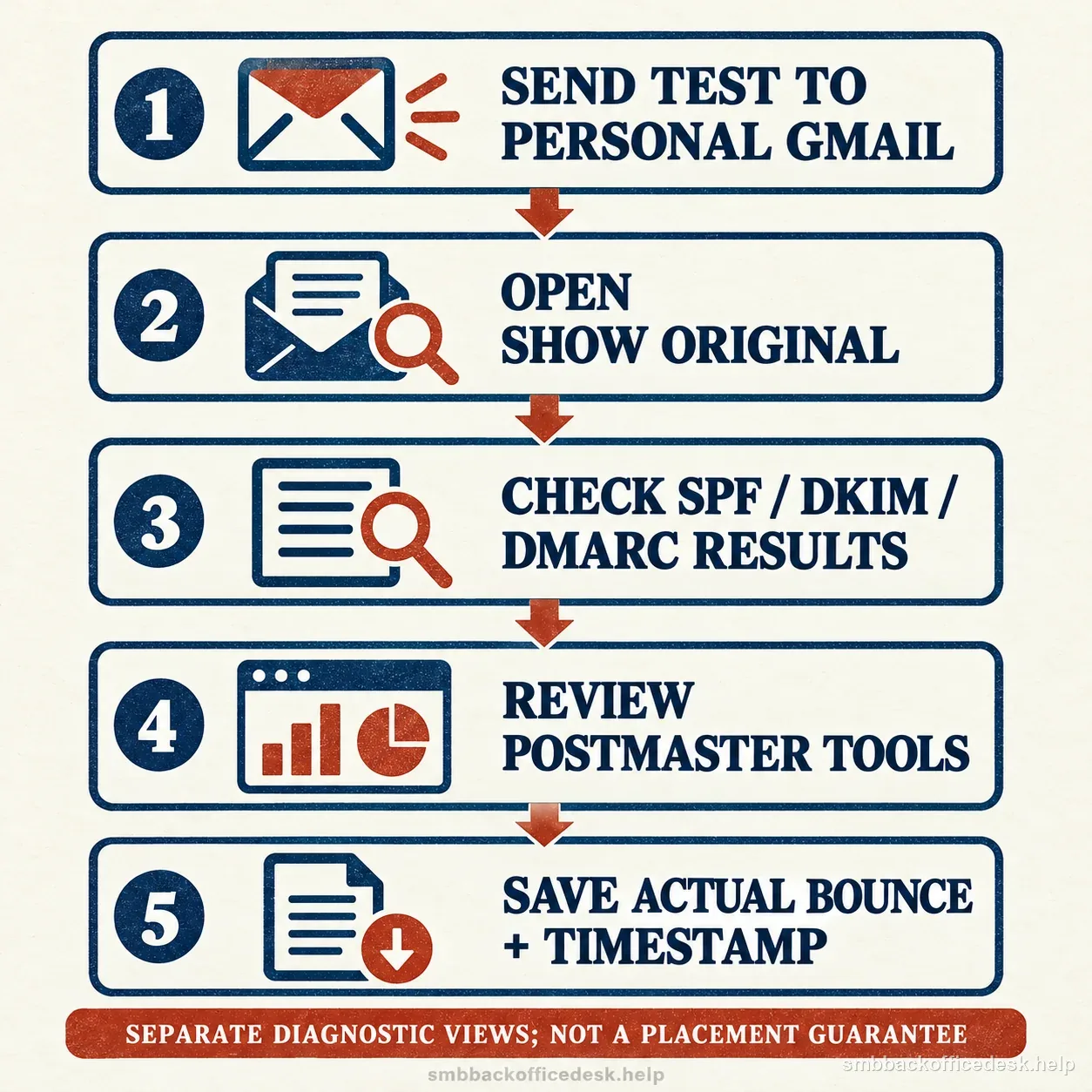
Use the original Gmail message, Postmaster Tools, and the actual bounce record as separate diagnostic sources; none guarantees inbox placement.
Do not treat personal Gmail and business inboxes as identical
Google’s published sender guidelines apply to messages sent to personal Gmail accounts ending in `@gmail.com` or `@googlemail.com`; Google says they do not apply to messages sent to Google Workspace recipient accounts. A Google Workspace user sending to personal Gmail still has to meet those requirements. Yahoo and Microsoft publish separate rules for their consumer inboxes, so identify the recipient provider before applying a threshold or troubleshooting checklist. Microsoft’s current high-volume sender rules are separate and should be checked directly for Outlook.com, Hotmail, Live.com, and MSN recipients.