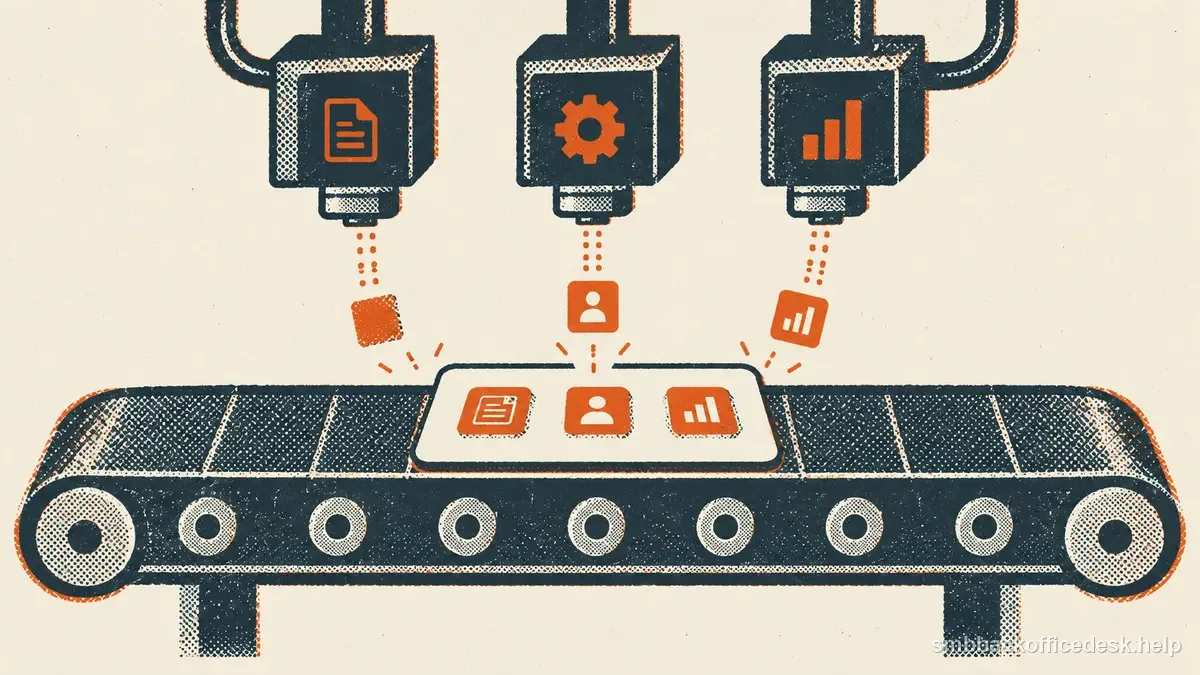
A small CRM becomes unusable when every new idea turns into a required field. The opposite problem is a spreadsheet with only name, email, and notes, where nobody can segment accounts, preserve opt-outs, or understand what happened last. The minimum useful schema separates accounts from people and records enough lifecycle history to make the next action obvious.
Account fields: identify the company once
For B2B sales, keep: - canonical company name; - primary domain; - industry or segment; - geography/service territory; - size band if it affects fit; - account status; - account owner; - source and first-created date.
Use a stable internal account ID. The domain is excellent for matching but can change after rebrands and acquisitions. The ID lets history survive those changes.
If your business is B2C, the account object may not be necessary; do not create company fields merely because a CRM template includes them.
| Account record | Contact record | |
|---|---|---|
| Identity | Company name, domain, stable ID | Person name, email/phone |
| Routing | Segment, territory, owner, status | Role, account link, contact owner |
| Controls | Source, source date | Channel status, suppression, verification |
Contact fields: identify the person and role
A contact needs: - full name; - company/account ID; - role or responsibility; - primary contact channel; - email and/or phone; - source; - verification date; - suppression/contact-policy status; - contact owner if different from account owner.
Do not make “job title” do all the work. Two companies can use very different titles for the same purchasing responsibility. Keep a normalized function such as Finance, Operations, HR, or IT when routing depends on it.
Lifecycle fields should answer “what happens next?”
Use a small controlled set: prospect, contacted, engaged, qualified, opportunity, customer, disqualified, or another sequence that mirrors your actual process.
Add `next_action`, `next_action_date`, and `last_meaningful_activity_at`. These fields are more operationally useful than a free-text note saying “follow up soon.”
Disqualified records should carry a reason: wrong fit, no need, no budget, no authority, duplicate, competitor, or explicit do-not-contact. Do not delete them and let the same account re-enter as “new” next month.
Put contact preference and suppression outside marketing whim
Maintain unsubscribe, hard-bounce, do-not-contact, and other suppression states as protected fields or a related event table. They should not be reset by import or ordinary sales editing.
If your business operates across channels, keep email and phone eligibility separately. A person can be excluded from one channel without being excluded from every business interaction.
Activities need type, timestamp, and outcome
A useful activity row records: - contact/account; - date/time; - channel; - owner; - outcome; - next action where applicable.
Do not force reps to write essays. Standard outcomes such as no answer, replied, booked, not interested, wrong person, and referred to colleague make reporting possible. Allow a note for context, but do not make the note the only structured evidence.
Require a field only when the workflow needs it
At record creation, ask only for what is needed to identify the person or company, route the record, and honor contact controls. Make title, size band, or detailed qualification optional until a later workflow can verify and use them. Require a field at a later stage only when the next action cannot proceed safely or meaningfully without it.
Over-requiring fields encourages guessed values that look complete but are not trustworthy. Use a default only when it is genuinely correct for most records; never default a source, consent, or suppression status.
Fields to avoid until there is a real use
Do not require favorite sports team, personality type, estimated intent score, tech stack, annual revenue, or ten persona tags unless someone can name the decision each field changes. Avoid collecting sensitive personal details or payment-card data in a sales CRM unless a defined workflow requires them and the system is designed to protect them.
Custom fields create maintenance cost. Every required field encourages either research time or fake data. Before adding one, ask: 1. Which workflow uses it? 2. Who owns updates? 3. What source supports it? 4. What happens if it is blank? 5. When does it expire?
If those questions have no answer, keep the field out.
A practical import mapping
Before any CSV import, map external columns to existing CRM fields. Do not create `Company`, `Company Name`, and `Organization` as three separate properties because three vendors use different headers.
Use stable IDs when updating existing records. HubSpot and other CRMs support record identifiers or unique properties for safer updates. Test an import with 10–20 rows before uploading thousands.
After import, check duplicate accounts, suppression preservation, owner assignment, and lifecycle status. The data is not “loaded” until those controls survived.
The minimum CRM is the smallest schema that lets a new team member answer: Who is this company? Who is the person? Why do they fit? Where did the data come from? What happened last? Are we allowed to contact them under our policy? What should happen next?